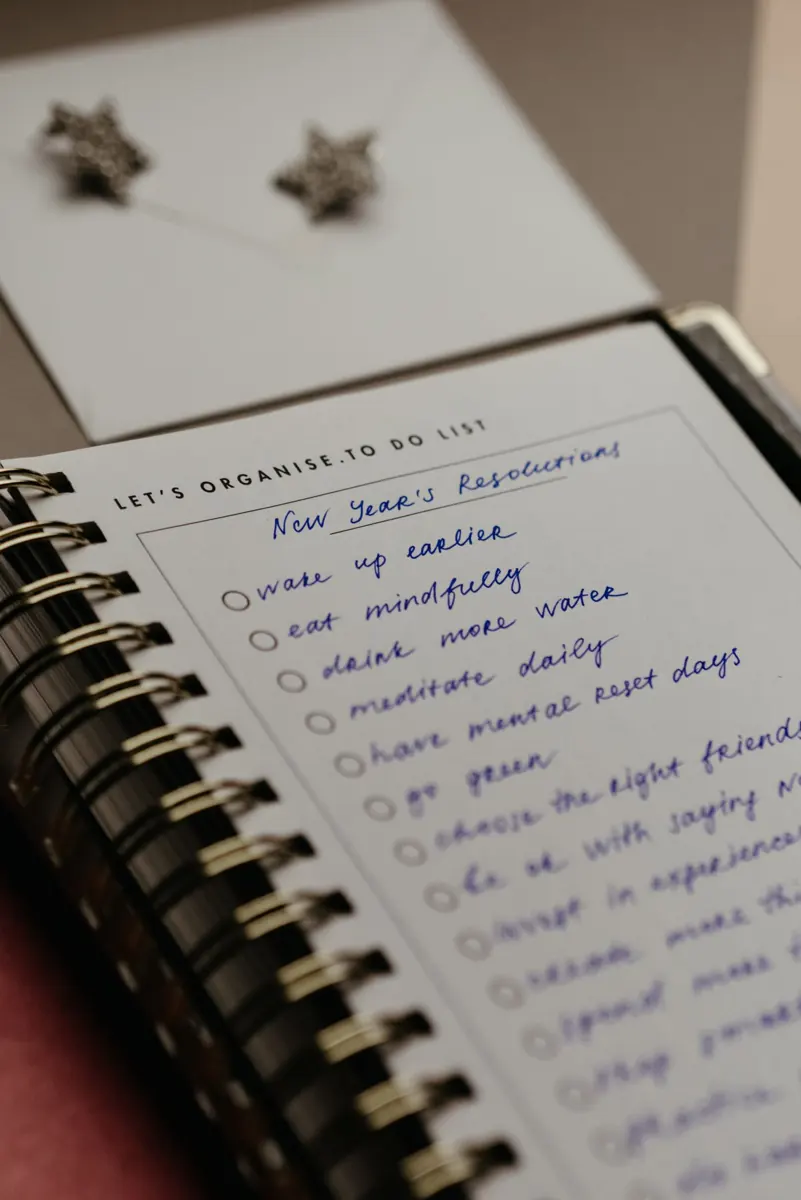
The notebook or planning tool that works best for public-facing work is the one you will open at the moment a commitment, a name, or a follow-up appears, not the one that looks most polished on a desk. For people who speak, host, edit, consult, or network for a living, the real problem is often not a lack of ideas. It is loose ends: a promised introduction that never got sent, a talking point written on a napkin, an event time that lives in two apps, and a quote from a meeting that nobody can find three weeks later. A good system captures these quickly, keeps them in one place you trust, and makes the next action obvious.
This guide is editorial research, not hands-on testing of specific products. It works through the questions people usually ask when choosing a notebook or planning setup for public work, and it focuses on how to match a tool to your routine, what trade-offs to expect, and where most people go wrong.
What problem are you actually solving?
Before comparing formats, name the failure you keep running into. Public-facing work tends to produce three kinds of loose material, and each one favors a different tool.
- Capture: fast notes during a call, a conversation at an event, or an idea on a train. Speed and portability matter most here.
- Commitments: things you promised to send, book, or follow up on. These need dates and a way to see what is overdue.
- Reference: names, speaker bios, venue details, recurring talking points, and past decisions. These need searchability or a consistent index.
A single notebook can handle all three if you are disciplined about structure. A split system, such as a small pocket notebook for capture and a calendar or task list for commitments, can handle them more reliably but asks you to move information between places. Neither is inherently better. The mistake is choosing a format that handles only the category you enjoy.
Paper or digital: how should you decide?
Paper is strong for quick, unstructured capture. It does not need to boot, sync, or wait for a battery, and many people think more freely with a pen. Its weaknesses are search, sharing, and reminders. A notebook full of follow-ups is only useful if you review it.
Digital tools are strong for dates, reminders, and retrieval. A task list can nudge you when something is due, and a search box can find a contact’s name from last spring. Their weaknesses are friction at the moment of capture (unlocking a phone, opening the right app) and the temptation to organize instead of writing.
A reasonable hybrid for many people is this: capture on paper, then transfer only the commitments and dated items into one digital system at the end of each day. The notebook stays a raw log; the digital list becomes the action list. The daily transfer takes a few minutes and prevents the most common failure, which is a promise that existed only in a notebook you forgot to reread.
A simple daily routine that works
Tools matter less than the routine around them. Here is a sequence that people in public-facing roles commonly adapt:
- Before the day: write the three things that must happen and any fixed times, such as a recording, a panel, or a deadline.
- During meetings or events: write names with one identifying detail (role, city, what they asked about), the promise you made, and the date it is due. Avoid transcribing everything.
- After each engagement: spend two minutes marking what needs a follow-up and when. Circle or flag it.
- End of day: move flagged items into your action list. Clear anything that is already done.
- Weekly: review open commitments, archive finished pages, and note any talking point you used more than once, since repetition signals a reusable idea.
The weekly review is the step most people skip, and it is the one that keeps a system from becoming a graveyard.
Choosing a format: a comparison
| Format | Strongest use | Main limitation | Good fit if you |
|---|---|---|---|
| Pocket notebook | Fast capture during movement | Hard to search or share | Attend many events and need a quick log |
| Larger notebook with an index | Meeting notes and long-form ideas | Bulkier to carry daily | Mostly work from one desk or studio |
| Dated planner | Seeing the week and deadlines at a glance | Pages fill up unevenly | Juggle many fixed appointments |
| Digital task list | Reminders, sorting, and recurring items | Easy to over-organize | Coordinate with others or travel often |
| Calendar app | Time blocks and event logistics | Poor for free-form notes | Need shared schedules and invitations |
Many people settle on two items: one capture tool and one scheduling tool. More than that tends to create duplication.
Worked example (hypothetical)
Consider a hypothetical podcast host who records three episodes a month, speaks at occasional events, and manages a small team. Their early system was a note app for ideas, a paper notebook for guest details, and a calendar for recordings. Commitments were scattered: a guest had asked for a list of questions, a sponsor wanted a revised bio, and an event organizer needed a headshot by Friday. Each item lived in a different place, and two were missed.
Their revised setup kept one pocket notebook for all in-the-moment capture, wrote a single flagged line for each promise with a date, and transferred flagged items every evening into one task list. Recording dates stayed in the calendar. The change did not add tools; it removed the situation where a commitment could exist only in one place. In the example, the number of missed follow-ups dropped over the next month, though that result is illustrative rather than measured.
Common mistakes
- Buying for the planner you wish you were. A daily-layout planner with color coding is wasted if you only write on the first day of the week.
- Capturing everything. Full transcription slows you down and buries the three things that matter. Write names, promises, and dates.
- Keeping commitments only on paper. If a promise cannot be seen without flipping pages, it will be forgotten.
- Skipping the weekly review. Without it, open loops accumulate silently.
- Treating the notebook as a showpiece. Public work often involves being photographed or seen in meetings, but a tool that feels precious tends to be used less.
Trade-offs and limitations
No single system fits every workload. Paper suffers when you need to share a list with a colleague. Digital tools can give a false sense of control while you are still failing to act. Larger notebooks give room for ideas but reduce how often you carry them. Planners with fixed layouts make it easy to see a week but awkward to capture something that does not fit a box. If you work across time zones, a calendar app with clear time zone display may matter more than any notebook choice.
Questions to settle before you buy
- Where do most of my commitments originate: in person, on calls, or by email?
- How often do I review my list, and what would make me actually do it?
- Do I need to share any part of this with a team or assistant?
- Will I carry this daily, or only at a desk?
If your answers point to frequent movement and quick capture, start with a small notebook and a single digital task list. If they point to a crowded calendar and shared responsibilities, prioritize scheduling and sharing first, and add a notebook only for in-the-moment notes.
Practical takeaway
Choose the system whose weakest step you can live with. Capture should be fast, commitments should be visible, and reviews should be scheduled, not hoped for. A modest notebook that you reread every evening will outperform an elaborate planner you open once a week.
Cover: Pexels photograph, used as an editorial illustration. Stock models and products shown do not imply endorsement or independent product testing. Image license.